
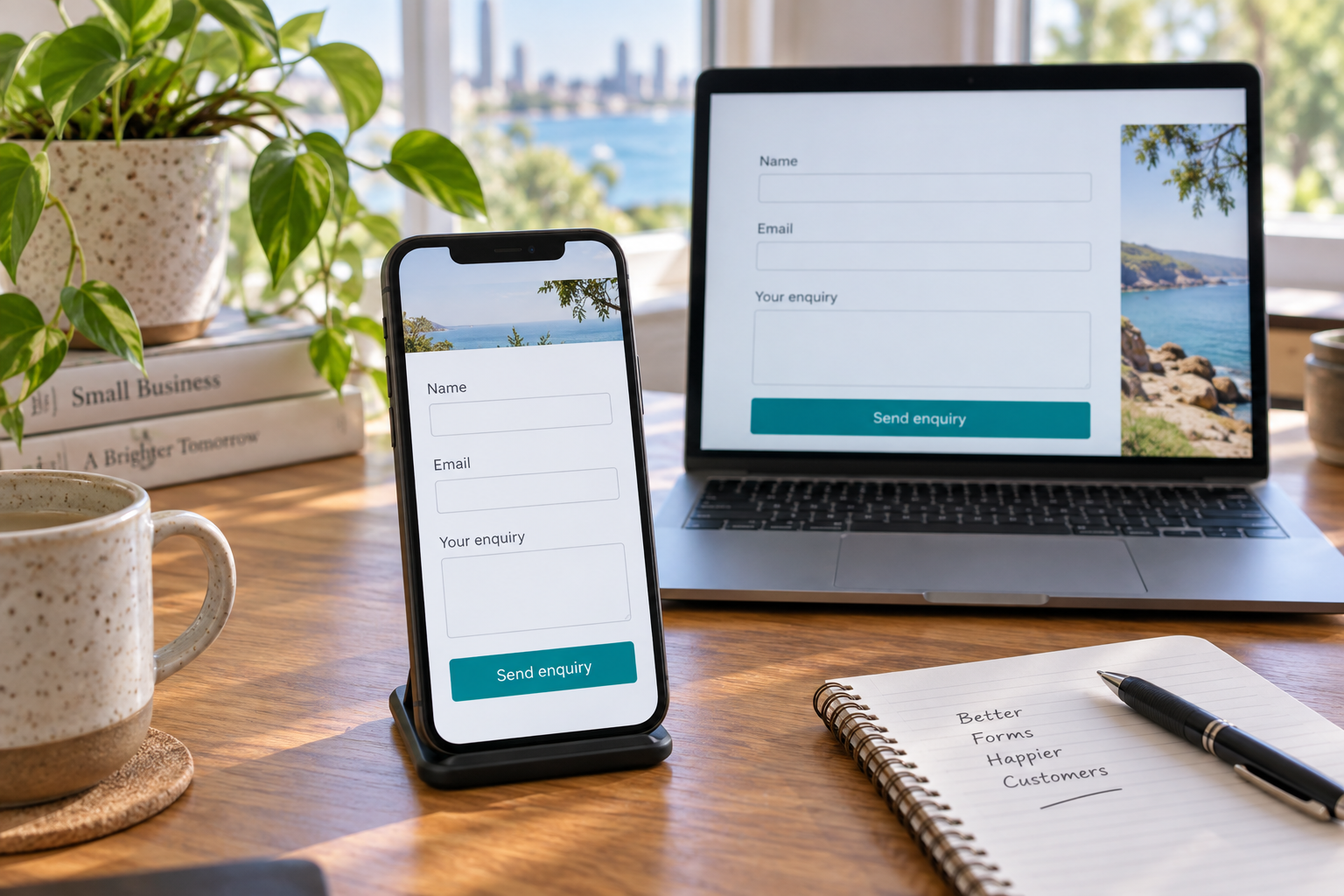
A potential customer has read your service page and wants to get in touch. Then the contact form asks for information they do not have, the phone keyboard hides the send button, or nothing happens after they submit. The enquiry can stall at the very point where your website should make the next step straightforward.
For businesses considering website design in Toowoomba, the enquiry form deserves its own place in the brief. It connects what the visitor needs with the information your team needs to respond. A useful form should be easy to find, understandable on a phone and connected to a reliable follow-up process.
Decide what the enquiry should start
Begin with the conversation you want to have. A building company may need to understand a proposed project. A service business may need a suburb and a description of the problem. A consultant may need the type of support the visitor is seeking. Those are different starting points, so copying a generic form can create unnecessary questions.
Write down what your team needs before it can make useful contact. Separate that from information you normally collect later. Detailed measurements, account numbers or a complete project specification may belong in a follow-up conversation rather than the first enquiry.
Also decide what submitting the form means. If the customer is requesting a callback, say so. If they are asking for a quote that requires an inspection, explain that before they submit. A button labelled “Book now” can create the wrong expectation when the business still needs to confirm availability.
Make the route from service page to form clear
A visitor should not need to return to the home page to work out how to enquire. Place a relevant contact option alongside the service information, with wording that describes the next step. “Discuss your renovation” gives a different expectation from “Request a service call”. Use the wording that fits the actual service.
If several service pages lead to one form, help the customer identify the service they want. A short service selector can be useful when the choices match the language on your website. An unexplained list of internal department names makes the visitor translate your business structure before they can ask for help.
Keep enough context around the form to answer basic questions. Mention the service area where relevant, clarify whether the form is monitored outside business hours and provide a practical alternative contact method. Only state response times your team can consistently support.
Review every field before making it required
Required fields should earn their place. Ask whether the information is needed to respond, whether the customer is likely to know it and whether it can be collected later. A person researching a future project may not have a confirmed budget or starting date. Forcing an exact answer may produce a guess rather than useful information.
Consider a simple hypothetical example: a Toowoomba homeowner wants to discuss new cabinetry. Their name, a reliable contact method, general location and a short description can start the conversation. Requiring drawings and final dimensions before accepting the enquiry may make sense for a specific estimating service, but it should be a deliberate choice with a clear explanation.
Keep optional questions visibly optional. Where a choice is genuinely uncertain, allow an honest answer such as “Not sure yet”. Avoid asking for the same information in several places, and do not request sensitive documents through a general enquiry form without a suitable process.
Use labels and instructions people can follow
Each field needs an understandable label that remains available while the person is typing. Pale example text inside a box can disappear as soon as entry begins. A visible label above or beside the field helps the customer check what they are filling in.
Use familiar language. “Your suburb” is clearer than “Service locality identifier”. If a format matters, explain it beside the relevant field. Your web designer should also connect labels and instructions properly so people using assistive technology can understand the form.
These details are part of a usable website experience. The W3C guidance on form labels explains why labels matter for people using screen readers and other ways of interacting with a page.
Check the form on a real phone
A desktop preview cannot show every difficulty someone encounters on a phone. Open the form on a real device and work through it from the service page. Check whether the text is readable, fields fit the screen and the keyboard leaves a practical way to continue.
Watch for overlapping chat buttons, sticky banners and other elements that cover the form. If attachments are allowed, check that the instructions explain the accepted files and that the mobile upload control is usable. A feature that looks tidy in a design mock-up still needs to work in the finished page.
Ask someone unfamiliar with the site to describe what they think will happen after submission. Their interpretation can reveal unclear wording before a customer encounters it. This is a useful discussion to include when planning website design in Toowoomba.
Explain errors and confirm the next step
If information is missing or entered incorrectly, show the person where the problem is and how to correct it. A vague message such as “Invalid submission” leaves them searching. Preserve the information they have already entered where possible so they do not have to begin again.
After a successful submission, display a clear confirmation. Explain the next step accurately, such as a team member reviewing the request before making contact. Avoid implying that an appointment is confirmed when the form has only requested one. The W3C guidance on form notifications covers useful success and error feedback.
Include delivery and follow-up in the website brief
Agree who receives enquiries, who checks them and what happens during leave or staff changes. A well-designed form still needs someone responsible for the messages it collects. Arrange a controlled submission check with the website provider and receiving team so delivery can be confirmed without confusing a test with a real customer request.
Review the quality of enquiries after changes. Ask whether the team has enough information to respond and whether customers repeatedly misunderstand a field. Use those observations to refine the form. More fields are not automatically better, and a shorter form is not useful if it leaves every enquiry impossible to follow up.
Frequently asked questions
How many fields should an enquiry form have?
There is no single ideal number. Start with the information needed to make a useful response, then assess each additional question. The right form depends on the service, the customer and the next step your team needs to take.
Should customers have to upload photos?
Only make photos compulsory when they are genuinely necessary for that enquiry process. Explain what to photograph and provide an alternative if the customer cannot upload a file. Some enquiries can begin with a description and a later conversation.
Will a better contact form improve Google rankings?
A contact form should help people enquire and help your team respond. It does not guarantee a ranking improvement. Search visibility and the experience after a visitor arrives need their own attention within the broader website plan.
Can an existing website form be improved?
Often it can, depending on the current website and form setup. A review can identify whether the main issue is wording, layout, mobile usability, delivery or the way enquiries are handled after submission.
Plan a clearer enquiry process with M Business
M Business & Marketing Solutions can help you discuss how your website supports the customers you want to reach. Bring your current form, common customer questions and the information your team needs to respond. Call 0447 776 970 or use the contact form on the M Business website to discuss your website needs.